Modernisation without downtime: how IQusion updates complex information systems with UnityBase
IQusion IT specialises in developing, integrating and modernising complex information systems. These systems store and process large volumes of data over long periods, let many users with different access levels work simultaneously, and enable interconnected applications to exchange information continuously.
How these systems behave depends on several factors: the current state of the data, previous operations, user permissions and the outcomes of interactions with other systems. It is particularly important to define who can access what, protect information, monitor how it is used, and trace the history of changes and user actions.
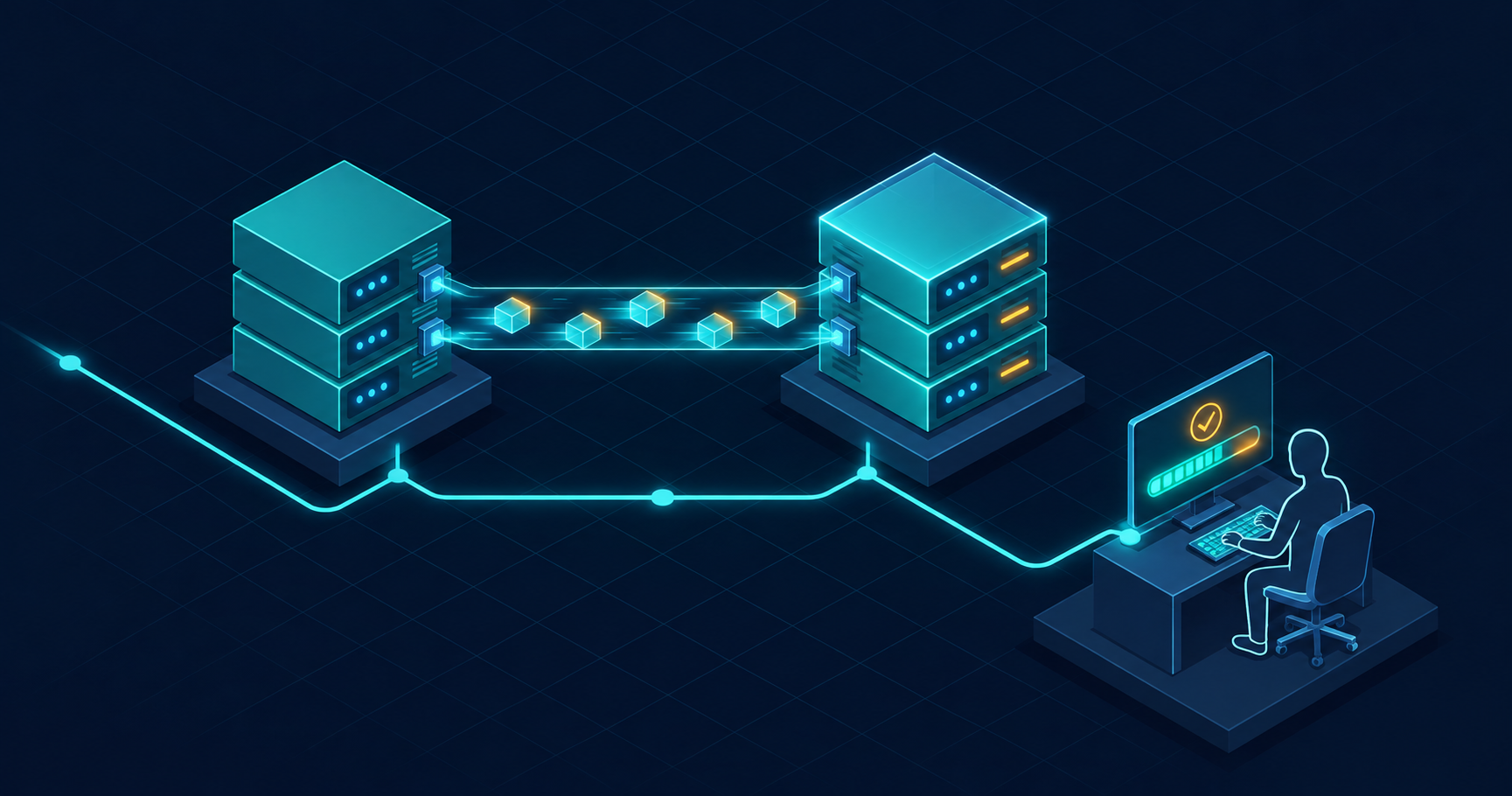
During modernisation, the information system continues to operate: users perform their usual tasks while we migrate and verify the data. If the system must be stopped for the final switchover, we do so during a short, pre-agreed night-time window.
Why a single change requires a system-wide plan
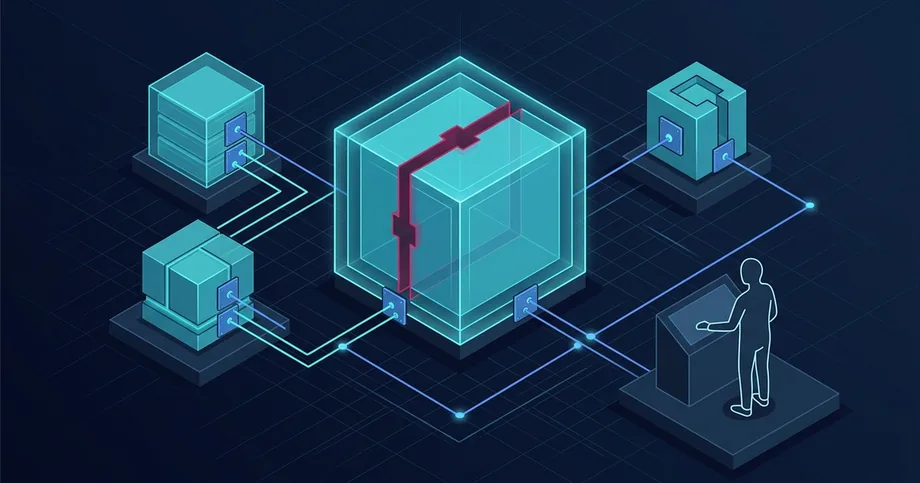
Let's consider a hypothetical example. There is an operational information system in which access rules for documents need to be changed. Previously, access was determined by the user's department. Now, specialists who have been explicitly granted access within a specific case must also be able to see the document.
In a test environment, it is sufficient to configure a few roles and check a few records. In a live system, you must establish how the new rule applies to open and closed cases, attachments, and API requests. If some historical documents lack a complete set of links, the team agrees on a separate rule for them. For example, documents for which the circle of users cannot be unambiguously determined are sent for review before the switch is made.
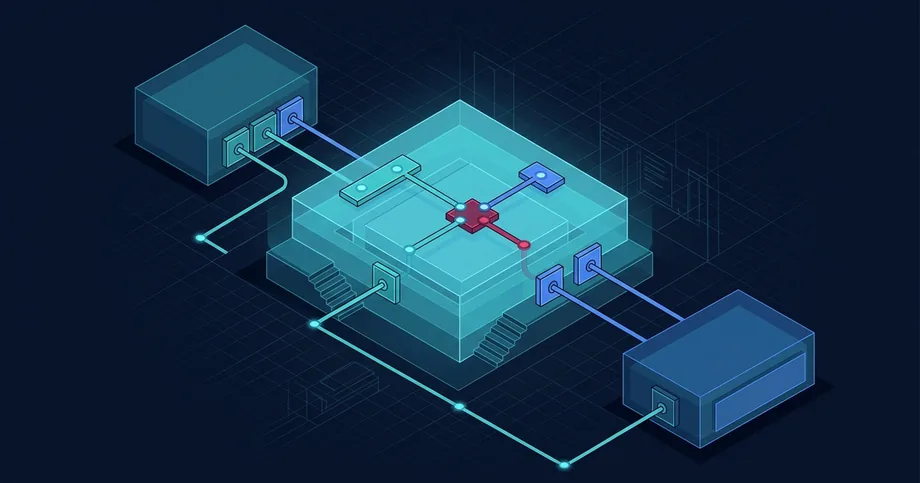
The duration of the migration depends on the number of records, the complexity of their transformation, and the processing speed under the current workload. Adding a field to a schema is one operation; populating it across millions of existing records is quite another. In the latter case, records must be read, new values calculated, written back, and the results verified. A bulk update competes for DBMS and storage resources with standard user operations. If the system has replicas, intensive writing can increase their replication lag.
Attachments are verified separately. Even when the number of records before and after migration matches, it is necessary to confirm that the file opens from the correct case, the user has appropriate access to it, and the action history has been preserved. For integrations, checks are performed to ensure that adjacent systems correctly receive new data, process duplicate messages, and resume exchange after an interruption.
Before the production migration, we replicate this scenario on a representative copy. Based on the results of the rehearsal, we determine the batch size—ranging from tens of thousands to millions of records—and agree on checkpoints and thresholds at which the migration is slowed down or paused. The recovery plan covers both the application and the data: the team knows in advance how to return the system to a consistent state without losing records created after the switchover.
Why we chose UnityBase
For such projects, we use UnityBase as the foundation of the application architecture. We implement business rules using server-side JavaScript. For structured data, we select a DBMS — PostgreSQL, Oracle, or Microsoft SQL Server — taking into account the platform edition and system requirements. We store attachments and document versions in a file repository, exchange data with adjacent applications via API, and use OpenID Connect, Kerberos, or other mechanisms required by the client for authentication. We supplement the configuration with monitoring, backups, and, if the operational scheme requires it, replication.
We chose UnityBase because a single change to the application model often affects the database, API, and several interfaces. A shared description of entities and the reuse of server-side methods reduce the workload in each of these layers. The team spends the time saved on what actually defines the result of the modernisation: migrating historical data, verifying access, and preparing for the transition under a live workload.
Open source is one of the main reasons why we chose UnityBase. The OpenUB edition is available under the Apache 2.0 licence. The team can study how the components of this edition work, analyse the causes of failures, and pass this knowledge on to other contractors. The capabilities and licensing terms depend on the edition. UnityBase editions.
Why security influenced the choice of UnityBase
For systems with sensitive data, it is essential to verify both permitted actions and access to specific cases. Two specialists may have the same role yet work with different documents. UnityBase provides server-side mechanisms to enforce these rules and log security events.
Password guessing or theft. In UnityBase, you can configure account lockout after a specified number of failed login attempts. Failed attempts are recorded in the security log. For supported login methods, a second factor can be enabled so that a stolen password alone is insufficient. UnityBase documentation on authentication and auditing.
Attempting to open someone else's case via the API. An attacker might change the document number in a request and attempt to access it directly. For operations covered by a configured access rule, UnityBase verifies permissions on the server. Even if an attacker has logged in using a stolen account, their access is restricted by the permissions of the compromised account. We separately verify attachment downloads and custom API methods. UnityBase documentation on record-level access.
Data interception and incident investigation. HTTPS protects data during transmission. The security log helps determine when suspicious login attempts began and which accounts were affected. During modernisation, we verify these mechanisms alongside access settings. Protection against traffic overload, timely updates, and recovery from backups are planned separately at the infrastructure and operations level.
Zero Trust and other modernisation practices
Zero Trust. The mere fact of connecting to an internal network does not grant the right to read documents or call APIs. Access decisions are based on the identity of the user or service, the requested resource, and the session context. In the case study example, the server verifies the right to perform an operation and access a specific document. Integrations are assigned separate identities with minimal permissions. UnityBase server roles and access rules help implement the application-side of this model. Checking device health, identity management, and network segmentation require solutions at the architectural level. NIST SP 800-207.
Software supply chain security. For a release, it is essential to know which version of the code and dependencies it was built from. A Software Bill of Materials (SBOM) helps identify which systems are affected by a new vulnerability. Build provenance allows you to verify where an artefact originated and how it was built. During a migration, this helps to match the version that passed testing with the one being prepared for deployment. SLSA Build Provenance.
Observability and migration control. The team agrees in advance on Service Level Objectives (SLOs) and thresholds, beyond which they pause the migration or roll back to the previous mode of operation. In our hypothetical example, during the migration, we measure response time, error rates, and replica lag, if applicable. Separate checks confirm the correctness of access rights and data integrity. These results together provide the basis for deciding whether to continue the cutover.
Why do national-level information systems require funding?
Why pay for a system that has already been built? Ukrainian legislation changes regularly. If the processing times for applications, the list of required documents, or the circle of persons with access to records change, these updates must be reflected in the registry and tested against real-world scenarios. For example, when the procedure for processing applications changes, it is necessary to verify how the system will handle applications submitted before the new rules came into effect.
Technologies also change. Operating system and database versions reach the end of their support life, new vulnerabilities emerge, and related services update their interfaces. If you freeze a registry, it may continue to function for a while. Eventually, security patches for its components will cease to be released, and data exchange with services that have already migrated to new interfaces may stop.
Support is necessary to detect failures and restore operations. Modernisation allows the system to be adapted to new requirements. If a function works and the requirements for it have not changed, there is no reason to rework it. For every improvement, one should ask what change prompted it, what will happen without it, and how the client will verify the result.
What work requires funding? The administrator installs a ready-made update. Before installation, it is necessary to pay for the development of changes, their verification, and the resources for a transition rehearsal. The client can reconcile these costs with the agreed-upon tasks and acceptance results.
How does an annual procurement fit into a multi-year project? Modernisation can be planned over several years and services can be procured in separate annual stages. Each stage builds upon previously accepted results. The annual plan should specify which changes are to be implemented and how the client will verify them.
Is it possible to bring in another team? The OpenUB open-source code allows for the study of the platform. To support a specific system, a new team requires access to the application code itself, the right to use and modify it, documentation, and the ability to independently build and deploy the system in a test environment. A new team will need time to verify integrations and practice recovery after a failure. For a national-level system, it is especially important to define who is responsible for its operation during and after the handover.
How do several companies work on one system? In a national-level project, work can be distributed among several contractors. For example, one company develops changes, a second maintains the infrastructure, and a third independently verifies updates. Each contractor is responsible for the result defined in their contract. Work is deliberately distributed to reduce dependence on a single supplier and to ensure the ability to transfer a specific area to another team.
The final result is often the responsibility of a state structure, such as a state enterprise acting as the client. It coordinates the work of contractors, accepts results under contracts, and determines who ensures the system's operation during updates and who restores it in the event of a failure.
When should a system be replaced? The total cost of modernisation versus replacement is compared. For a new system, the cost of development or licensing is added to the costs of data and asset migration, connecting related services, user training, and parallel operation. Both scenarios are evaluated against the same requirements for availability, data preservation, and the ability to transfer support to another team.
What competencies are required for such a transition?
| Competency | Decisions responsible for |
|---|---|
| Application architecture | How entities and server methods change, how long the two structures coexist, and when reading and writing can be switched. |
| Data engineering and DBMS | How to migrate historical records under load, resume an interrupted migration, and reconcile data and attachments. |
| System integration | How to maintain API compatibility, handle duplicate messages, and restore exchange after an interruption. |
| Security and auditing | Where to verify permissions, how to test access for different roles, and what data to use to reproduce an action after release. |
| Operations and testing | Which metrics allow the transition to continue, when it should be stopped, and how to verify readiness for recovery. |
| FinOps | How much rehearsals, parallel environment operation, and the configuration remaining after the transition cost. |
These decisions influence one another. A longer compatibility period gives adjacent teams more time to transition but increases the costs of parallel operation. Additional capacity only accelerates migration when it eliminates a measured bottleneck. If speed is limited by write operations or locking, additional processors will not solve the problem on their own.
How FinOps helps assess migration costs
After breaking down the tasks, the team compares the costs of different migration methods and subsequent operations.
FinOps helps align infrastructure costs with system requirements. For modernisation, we plan two separate budgets. Migration budget covers rehearsals, data copies, temporary storage, file transfers, and the period during which both environments are running. Post-migration operational budget depends on the workload, backups, data retention periods, and the resources required by the system once the work is complete.
Suppose a rehearsal shows that migration speed is limited by storage write performance. One option is to temporarily increase performance to shorten the period of parallel operation. Another is to keep the current configuration and allocate more time for the migration. To compare them, we calculate the total cost of each scenario: both the price of additional capacity and the costs for every day that both environments are running.
This calculation also influences decisions made after the switchover. For temporarily increased capacity, we define the conditions for its reduction, and for the legacy environment required in case of a rollback, we set the timeline and criteria for decommissioning. This is how FinOps removes resources that are no longer serving their purpose from the budget. You can begin monitoring with three metrics: the cost of a full rehearsal, the daily cost of parallel operation, and the monthly cost forecast after the transition.
How UnityBase reduces development effort
In UnityBase, entities, fields, and relationships are defined in metadata. This model is used by the ORM, database schema preparation tools, standard API operations, and the administrative interface. For our example, this means that new relationships between a document, a case, and a user share a single common definition. The developer uses it across multiple layers of the system, while writing application code only for transition rules, historical exceptions, and specialized scenarios.
{
  "caption": "Case access",
  "attributes": [
    { "name": "caseID", "dataType": "Entity",
      "associatedEntity": "doc_case" },
    { "name": "userID", "dataType": "Entity",
      "associatedEntity": "uba_user" }
  ]
}"mixins": { "rls": {
"expression": "user department
OR record in doc_caseAccess" } }| Where savings arise | What work is reduced |
|---|---|
| Database schema and data handling | Platform tools prepare based on the DDL model, and the ORM works with the updated structure. The team maintains fewer separate entity and relationship descriptions. |
| API and administration | Typical entity operations and standard administrative forms rely on the model. This foundation can be reused for reference books and utility screens. |
| Record access | Server-side visibility rules and entity methods operate across different interfaces, so a single rule does not need to be implemented multiple times. Access to attachments and custom methods is verified in the relevant scenarios. |
| Migration rehearsal | Schema generation and custom JavaScript or SQL scripts are included in the update process. The same set of steps is repeated on a test copy and during the production transition. |
Without reusing these mechanisms, the estimate would be higher. It would cover separate changes to the schema, typical operations, administrative forms, and access checks, as well as their reconciliation. UnityBase reduces precisely this repetitive part of development and maintenance. We estimate the resources for the actual data migration and verification separately. This way, the estimate clearly shows where savings are provided by the application architecture and where they come from infrastructure decisions. More details on these mechanisms can be found in the article “Five advantages of UnityBase for enterprise system developers”.
How we handle modernisation
We begin the acceptance process with a case opened before the update. The user locates their materials, sees the permitted actions, and continues their work. The adjacent system correctly accepts the result. The operation can be reconstructed using the log.
Before switching, the command displays the results of this check, determines the recovery conditions, and calculates the system's operating cost after the transition.
What modernisation provides after the transition
After an upgrade, it is important how easily the next feature can be added to the system. Let's return to the case and document example. Once the system already knows which documents belong to a case and who is authorised to read them, these rules can be applied to a new action within the case file.
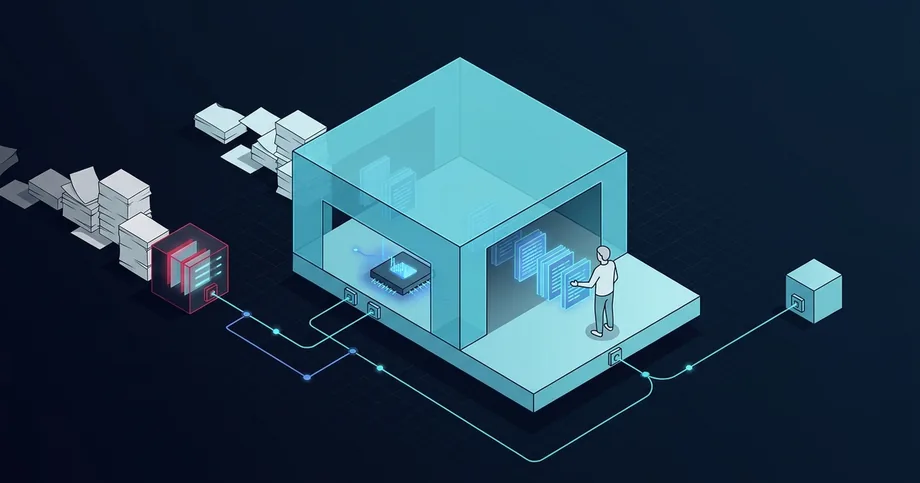
For example, a specialist needs to quickly understand what has changed in the case documents. They click “Prepare summary of changes”. The system checks their permissions, selects the fragments authorised for processing, and passes them to the AI model. The model prepares a draft summary with links to the documents. The specialist verifies it against the sources and decides what to do next.
For this function, the team adds review preparation and uses existing links between the case and documents, as well as access rules. If documents must remain within the client's infrastructure, the model is run on-site. The benefit is measured by the time taken for review preparation, including verification and corrections. More about AI integration into information systems.
The same principle applies to a report, notification, or new action in a case card. After modernisation, the team can add such features, relying on already verified data, links, and access rules.
UnityBase documentation: platform architecture · edition matrix · migrations · record-level access control