EDMS Update: Data Migration and Controlled Launch
Updating an Electronic Document Management System (EDMS) is often accompanied by the risk of data schema inconsistency, registration card blocking, and the loss of links between related registries. A controlled transition to a new version requires not just technical deployment, but step-by-step verification of interface compatibility, user roles, and integration flows.
Suspending document registration or incorrect display of resolutions during a platform update can paralyze an organization's operations. A typical mistake is attempting to update the system without a prior audit of accumulated metadata and without rehearsing the migration on a copy of the production database. To reduce risks, it is necessary to implement regulated compatibility verification procedures that cover all levels of the architecture—from the database structure to the access rights of specific users.
Compatibility of forms, roles, and data schemas during EDMS updates
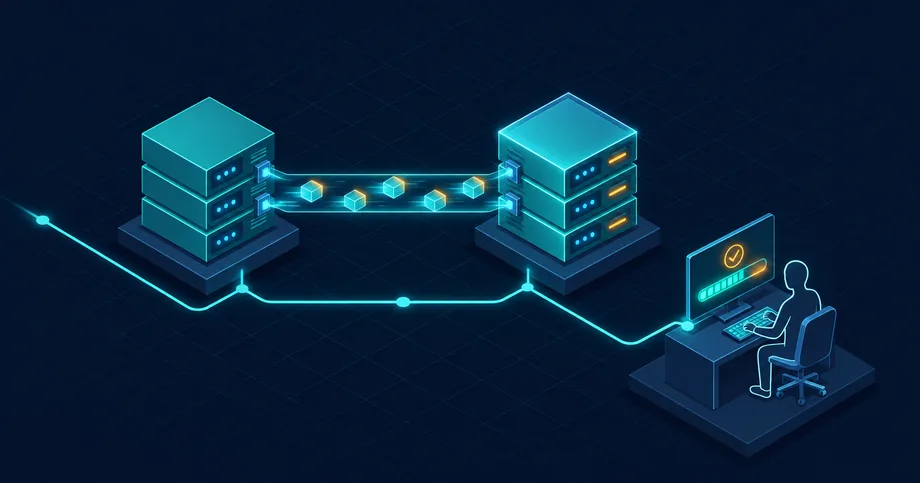
A compatibility and roles analyst examines changes in the structure of registration-control cards and approval workflows. When transitioning to a new EDMS version, developers often change internal field identifiers or status processing logic. If an organization uses customized forms or specific routing rules, a direct update may result in users being unable to sign or approve documents due to the absence of mandatory attributes.
Special attention should be paid to the access matrix. A new platform version may contain modified system roles that do not automatically map to the institution's existing organizational structure. The analyst must compare access right schemas in the old and new versions in advance to avoid situations where managers lose the ability to apply QES, and performers receive excessive rights to view confidential documents.
Migration rehearsal and verification of the electronic archive structure
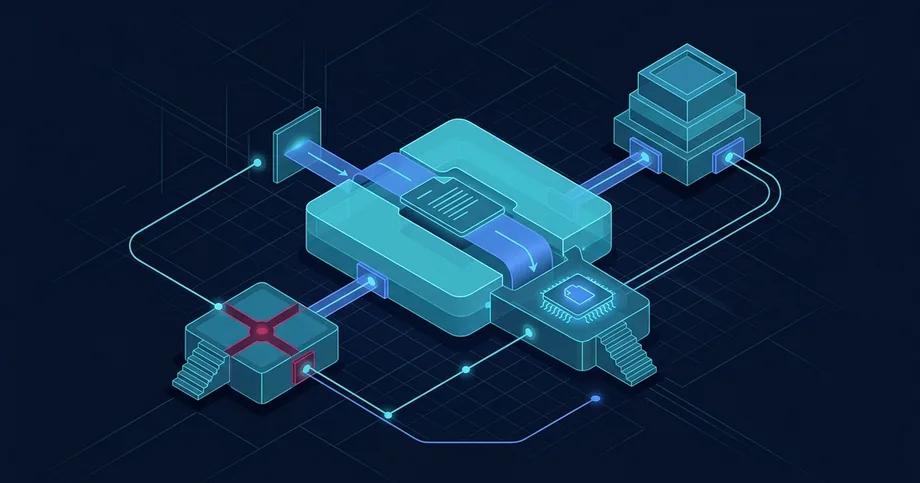
The data migration engineer is responsible for transferring the historical document archive and preserving the links between them. Attempting to perform a migration directly during a production environment update is a critical risk. Rehearsing the migration on an isolated test bench allows for estimating the actual execution time, identifying character encoding errors, and verifying the integrity of attached files.
During the test import, index compliance and the completeness of metadata transfer are verified. If the electronic archive structure has changed, the engineer develops data transformation scripts that bring old records into the new format while maintaining the structure and integrity of the documents.
- Link integrity: Verification of the preservation of links between incoming, outgoing, and internal documents after import.
- Metadata validation: Control of the compliance of values in registration cards with new directories and classifiers.
- File accessibility: Verification of the ability to open and download scanned copies of documents from the electronic archive.
- Search speed: Testing of indexing and response time for search queries after the database update.
Access control and integrity during migration
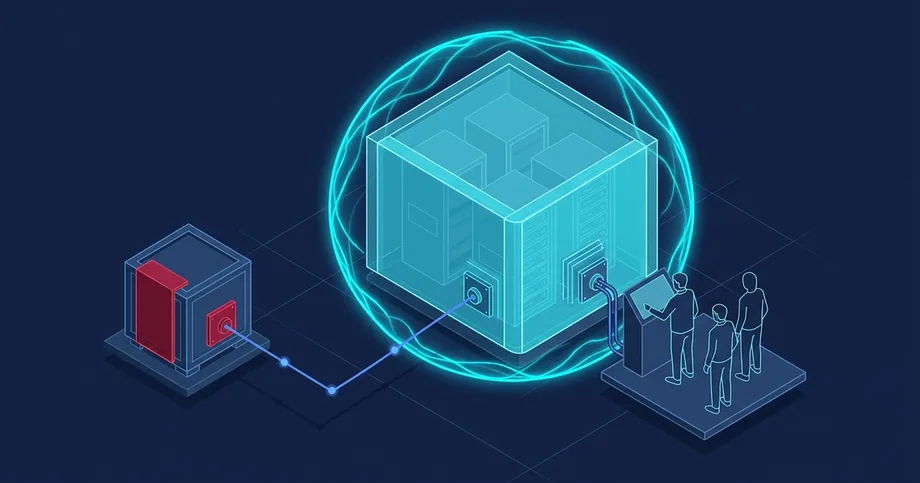
The EDMS security administrator ensures information protection during work and after the updated system is launched. NIST SP 800-34 Rev. 1 addresses recovery prioritization and action plan preparation. For EDMS migration, we recommend separately approving temporary technical staff privileges, protecting test copies, and the procedure for revoking access after work is completed.
We recommend separating access to logs and test data. Encryption requires separate key management: by itself, it does not restrict an administrator who has access to keys or decrypted data. OWASP recommends defining a useful set of events and protecting sensitive information in logs. For migration, agree on which operations to record, who can read these records, and how to detect unauthorized changes; passwords and private keys should not be included in logs.
Decision to launch and coordinated rollback
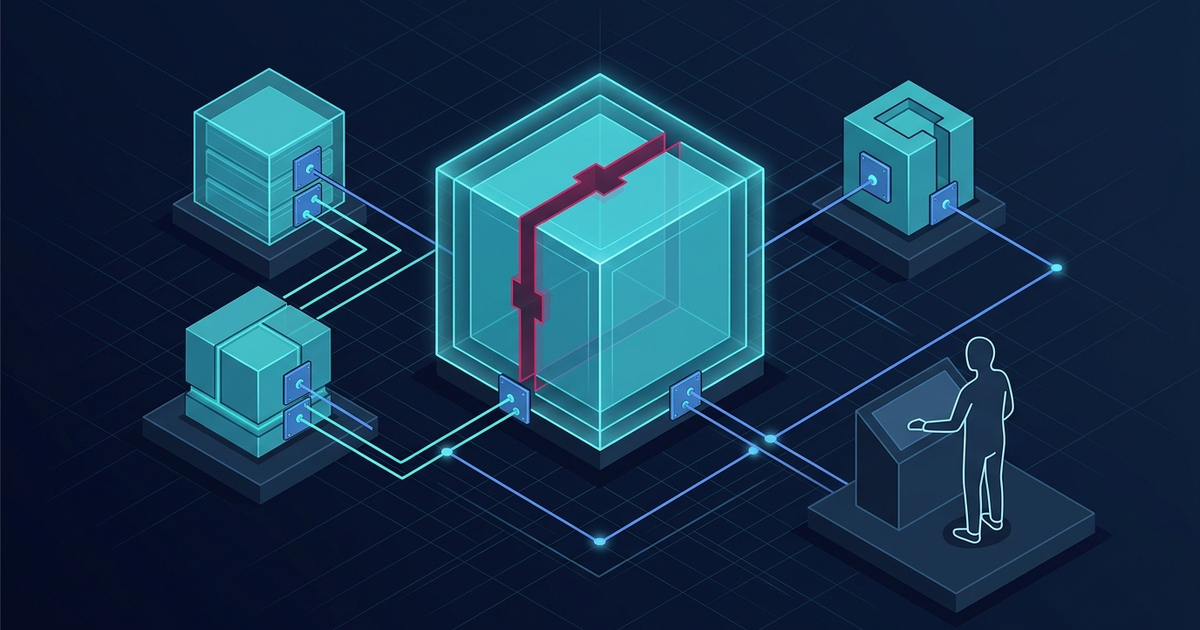
The EDMS launch manager coordinates the final switching phase and determines the sequence of actions in case critical errors are detected. Before starting work in the production environment, a restriction period on entering new documents is announced. This allows the database state to be fixed and avoids the appearance of inconsistent records during copying.
The launch plan must include a detailed rollback procedure to the previous version. If critical errors that cannot be resolved within the planned technological window are discovered during the update or initial testing, the manager decides to return to the original state. It is important to note that a simple application code rollback does not restore the database structure if changes have already been made to it, so the procedure must include restoring the database from a backup created immediately before work began.
- Creating a full backup of the EDMS database and file storage before starting work.
- Temporary disconnection of integration gateways with external systems and mail services.
- Verification of the completion of all active user sessions and stopping background processing tasks.
- Deployment of updates and execution of data migration scripts in the production environment.
- Conducting quick selective testing of key functions after the update is completed.
- Activation of integration flows and opening access for users after confirming stability.
Reconciliation of new records and user adaptation
The EDMS support coordinator is responsible for verifying the system's correct operation after launch and adapting personnel to new interfaces. The first days after an update are critical, as users may make mistakes due to changes in the location of controls or new rules for filling out cards. The coordinator organizes operational support and provides users with instructions on working with the updated functionality.
An important stage is the reconciliation of new records created immediately after launch. It is necessary to ensure that documents correctly pass through all approval stages, QES is applied without errors, and integration with other corporate systems works in standard mode. Identified discrepancies are recorded and evaluated according to agreed-upon launch criteria and contract terms. The technical classification of a defect does not cancel the obligations for its resolution.
FAQ
How to check the compatibility of custom forms before an EDMS update?
To do this, you need to deploy a copy of the current system on a test bench, apply the update, and perform a check of document flow through all typical routes, analyzing log files for field mapping errors.
Why is a migration rehearsal a mandatory stage?
It allows for estimating the approximate time for work, identifying hidden errors in the structure of historical data, and verifying the integrity of links between documents before starting changes in the production environment.
What security measures are critical during an EDMS database update?
It is necessary to restrict technical staff access to confidential data, configure secure event logging without recording personal information, and ensure audit logs are protected from modification.