From Agenda to Action: Meetings in Megapolis.DocNet

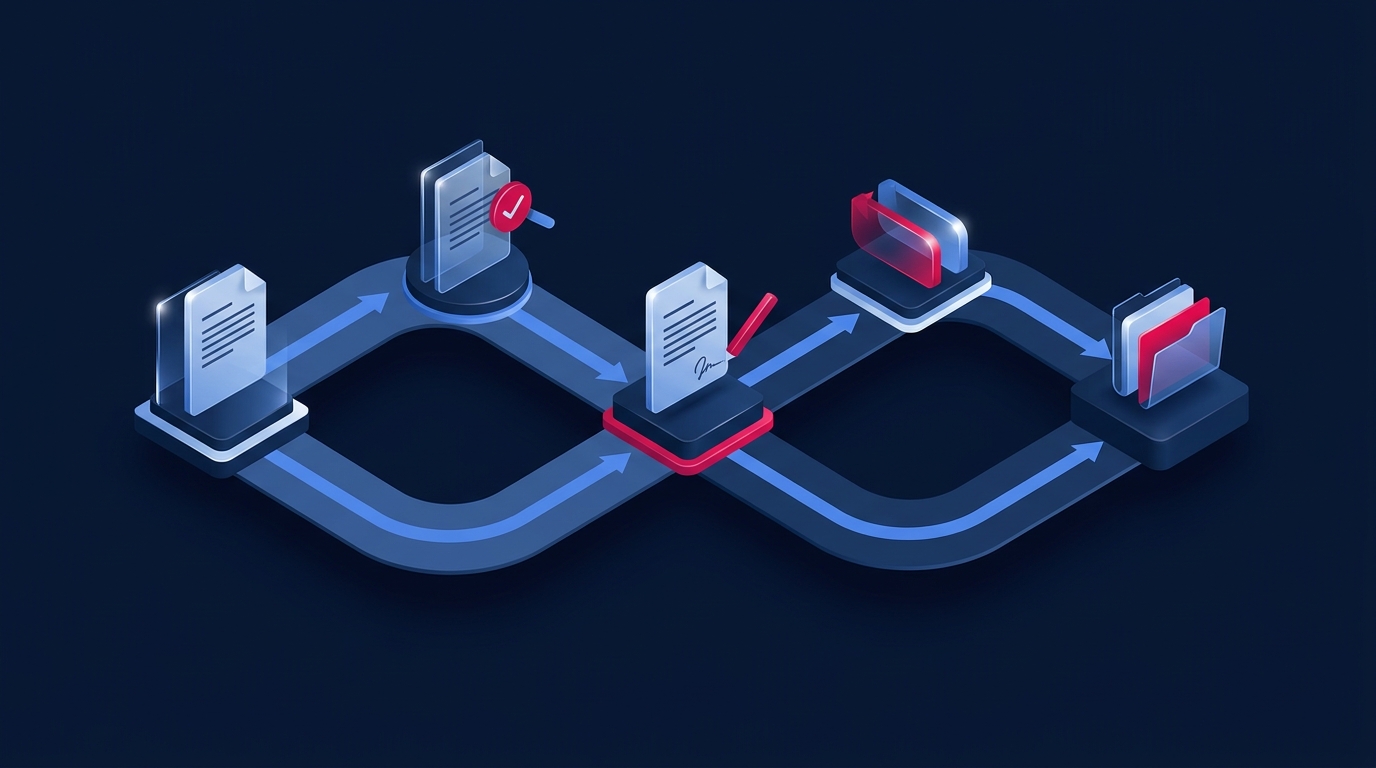
A vote in favour needs to refer to a specific text. If participants discuss one version, vote on another and hand a third to the person carrying out the decision, someone will have to reconstruct what was decided from the discussion records and materials. A hybrid meeting's organiser needs to preserve that link, from the first agenda item to the follow-up task.
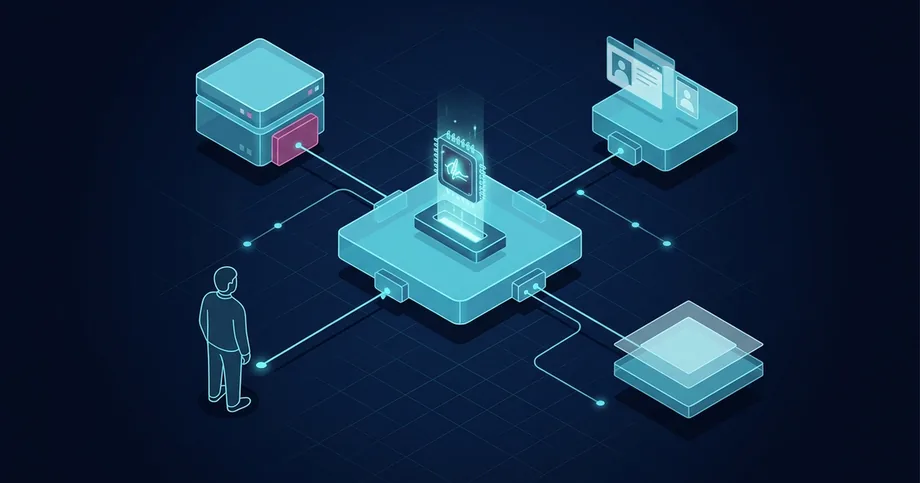
InBase's product page describes the Megapolis.DocNet 'Meetings' subsystem as supporting agenda preparation, authentication with hardware keys and voting with electronic signatures, including qualified electronic signatures (QES). It lists online, in-person and hybrid formats. Here is how to prepare a working scenario for these tools.
Product and legal sources were checked on 24 September 2026. The organisational steps below are recommendations; the applicable rules depend on the particular body.
Make the agenda item ready for a decision
Consider an organisation's hypothetical coordinating council, reviewing a staff training programme. Some members are in the room; others join remotely. This is an illustrative scenario, not an account of a customer implementation. The council needs to decide which programme to launch and who will prepare it.
An agenda item called 'Training' identifies a topic but leaves the expected outcome unclear. The person proposing it can prepare a short explanation, a draft decision and the supporting material needed to make a choice. The secretary should check that these agree: for example, does the draft cover the same groups of employees as the explanation?
- What needs to be decided? State the proposed action on which the council needs to take a position.
- Which text will be put to a vote? Identify the version of the draft decision and related materials.
- Who will answer questions? Identify who prepares the item and who presents it.
- What still needs preparing? List the missing information and who will obtain it.
Check access to the materials before the meeting too. Sending a link is not enough if a remote participant cannot open the file. Ask someone attending in each format to try accessing it beforehand, using their own work device and account.
Discuss the same version, wherever you are
In our example, someone proposes allowing some employees to take the training remotely. That changes the substance of the decision. A member in the room might see the amendment on the shared screen while a remote participant is still reading yesterday's downloaded file.
Agree on how participants find the text currently being discussed and who tells them when it changes. Test that process in the proposed system configuration. During the demonstration, check how participants receive updated text and how votes already cast are handled.
To check that the text is clear, ask a participant to identify the version they are using and locate the amended condition. This is a practical test of access to the same content. It neither replaces the established procedure nor means that everyone has agreed to the proposal.
Also agree on how remote participants will report that they cannot hear the speaker or see an amendment. Decide who receives those reports and who should be consulted about how the meeting proceeds. A message posted in a separate chat could go unnoticed just when clarification is needed.
Joining the call and casting a vote are different actions
Someone can be on the video call without having completed the voting process. They may also have read the materials without supporting the proposal. Keeping these events separate helps the secretary avoid treating a missing record as agreement.
| Event | What to check | What not to assume |
|---|---|---|
| Participant joined | Whether they can access and work with the agenda item | That they have already cast a vote |
| Materials viewed | Which version was available | That the content has been approved |
| Vote cast | Whether the vote is recorded against the intended text | That the draft decision as a whole has been adopted |
These are suggested checks, not names of built-in Megapolis.DocNet statuses. During the demonstration, ask to see what participants see after casting a vote and what information the secretary can access. Also test an interrupted connection or an incomplete signing attempt.
Do not resolve a failure by voting for someone else or using their key. First establish the action's status, record the problem and follow the agreed procedure. Silence, a technical error and a deliberate abstention are different circumstances; how to account for them should not be improvised during the count.
Check the outcome against the council's rules
Part 6 of Article 18 of Ukrainian Law No. 2155-VIII gives a QES the same legal effect as a handwritten signature, with a presumption of equivalence. This provision concerns the signature. It does not, by itself, make every collective decision lawful or establish a quorum.
Procedures depend on the body concerned. For example, Part 8 of Article 75 of Ukraine's Law 'On Joint-Stock Companies' allows videoconferencing and the procedure for it to be specified in the articles of association or supervisory board regulations. That is a specific example for a joint-stock company's supervisory board, not a universal procedure for our hypothetical council or every committee.
Before configuring the workflow, establish who is entitled to take part in decision-making, which conditions the meeting must meet to take decisions, how the outcome is determined and how it is documented. Treat voting and signing the minutes as separate procedures. A participant's signed vote is not automatically a properly completed set of minutes.
After the item has been considered, the secretary should compare the recorded outcome with the text put to the vote. Any uncertainty in the records should go to the responsible person for resolution under the body's rules. The final document needs to reflect the established outcome, rather than assumptions about it.
Turn the decision into follow-up work
InBase's module description dated 21 May 2019 describes generating a decision and meeting minutes from voting results, together with related follow-up tasks. This is a historical description: ask to see how that transition works in the current configuration during a demonstration.
Suppose our council approves the training programme. The person taking it forward needs a clear task, beyond a notification that 'the item has been considered'. For the task of preparing the launch, define:
- Responsibility. Who organises the preparation and reports back.
- Deadline. When completion or an interim report is expected.
- Expected result. What should be submitted: for example, an agreed plan for the training groups.
- Link to the decision. Which decision the task follows from and where its wording can be found.
InBase's marketplace lists 'Meetings', 'Videoconferences' and the connector between them separately. It also notes that some modules have separate licensing and configuration requirements. Clarify the components your solution needs: the subsystem's name alone does not establish what is included.
Prepare one scenario to discuss with IQusion: a training proposal, an amendment, individual votes, a documented outcome and an assigned follow-up task. Include a technical failure and check who handles it and how. The demonstration can then show which requirements are already covered and which need configuration or an organisational decision.
Frequently asked questions
Can we run the first demonstration without real council documents?
Yes. Prepare a hypothetical agenda item, test materials and participant roles. Work through preparation, an amendment, voting and a follow-up task, making clear that this is a test rather than an official meeting. Agree on how to use test accounts and signatures.
What should we check if someone can see the video but cannot vote?
Separate access to the meeting from the ability to cast a vote. With the responsible specialist, check the person's role, access to the agenda item and signing status. Do not record a particular vote without a confirmed action. The body's rules determine what happens next.
Will the 'Meetings' subsystem cover the whole scenario?
Clarify what is included against your own scenario. Discuss video calls, signing, recording outcomes, follow-up tasks, configuration and licences separately. Ask to see the full process from agenda item to action in the proposed configuration.
Sources
- Megapolis.DocNet features and functionality
- Megapolis.DocNet modules and connectors
- Description of the 'Collegial Meetings' module dated 21 May 2019
- Law of Ukraine "On Electronic Identification and Electronic Trust Services" No. 2155-VIII
- Law of Ukraine "On Joint-Stock Companies" No. 2465-IX, Article 75