
From PDF to Decision: Three Checks for AI
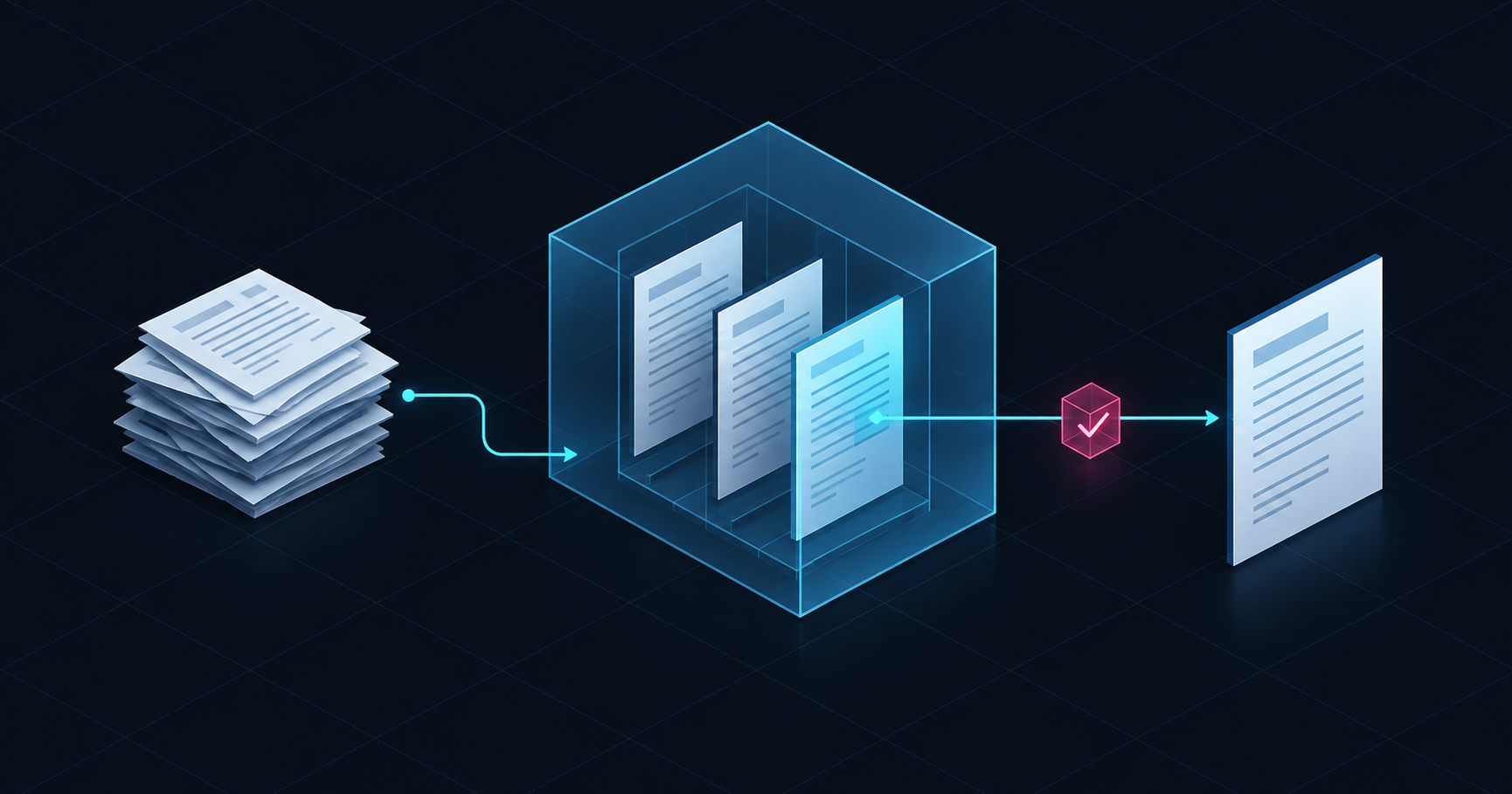
Imagine a routine approval: a manager opens a short contract summary and sees the payment deadline. Everything seems clear until a colleague finds an addendum that changed that deadline. The summary may accurately reflect the main contract, yet that document alone cannot establish the current terms. Working with documents requires both a quick answer and a way to check what that answer is based on.
Evaluate AI against a specific task: is the document bundle organised, has the right material been found, and does the summary help the reader understand the terms? The following checks, proposed by the IQusion editorial team, are for organisations that want to test these capabilities on their own documents.
Three outputs, three ways to check them
The starting point for this article was a publication by InBase on document splitting, search, and summarisation. The vendor describes these capabilities in its products, while acknowledging that AI search can miss required information and needs to be supplemented by other search methods. For the customer, the next question is practical: what exactly should be considered an acceptable outcome?
Agree on this before the pilot. The operator needs a complete bundle; the procurement officer needs the relevant clause and to know whether it applies; the manager needs a clear explanation and access to the source. A general assessment that 'the assistant answers well' overlooks the differences between these tasks. Each needs its own check.
Start with a question to the prospective user: what action will they take after receiving the answer? If it is finding the required clause, show the clause. If it is preparing for approval, gather the materials that need to be read together. In this way, requirements for AI become part of routine work, and the outcome can be discussed constructively.
| AI outcome | Check | Next action |
|---|---|---|
| Split bundle | Boundaries, completeness, connections | Confirm the document set |
| Retrieved fragment | Details, access permissions, version | Read applicable terms |
| Brief summary | Consistency with original | Verify what is important for the decision |
Split the PDF, keep the documents connected
Google Document AI documentation distinguishes a prediction of logical document boundaries from the physical creation of separate files. In its Custom Splitter guidance, Google calls human review between the prediction and the actual split a best practice: a bad boundary can produce two incorrect documents and cause downstream extraction errors. If an organization uses confidence scores to bypass manual review in selected cases, the threshold should be based on historical error rates and the level of error the business process can tolerate.
Our recommendation goes beyond splitting a PDF correctly: it should remain clear which documents arrived together. During the pilot, keep the original bundle and link each new record back to it. Also check how the contract and its addenda are linked: adjacent pages alone do not establish how the documents relate to one another.
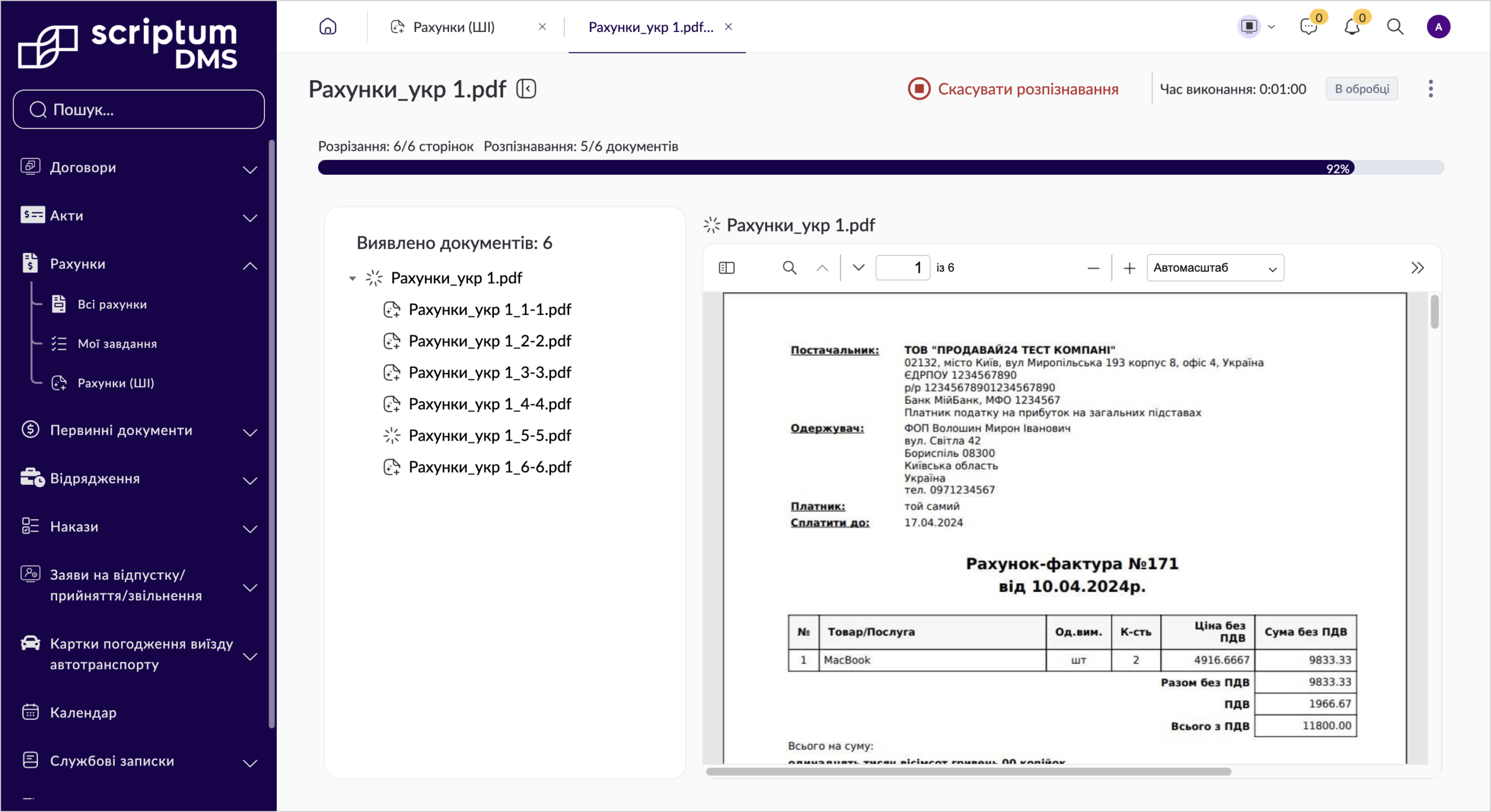
Splitting a bundle in Scriptum.DMS: a list of documents beside a page preview (Ukrainian interface). Screenshot by InBase; it illustrates document splitting, rather than the approval scenario described above. Click the image to view the interface.
Find the right version within your access permissions
Microsoft describes hybrid search as a combination of full-text and vector queries. Full-text search is useful for exact matches, including dates and codes; vector search finds similar meanings even when the wording differs. The results are combined. For a pilot, this supports testing both natural-language queries and searches using known identifiers.
Finding something similar is not enough. Give participants two tasks: establish the current terms and reconstruct the terms that applied on a past date. In both cases, show the document title, version and status alongside the extract. Earlier versions may be needed for historical checks, so they should not be excluded from every search.
Separate Microsoft documentation on access permissions describes filtering results based on user or group permissions. This requires configured permissions and query filtering. For your own test, we advise repeating the same search on behalf of employees with different permissions and also checking brief answers, suggestions, and citations.
Check access to the answer's content as carefully as access to the file itself.
Use the summary to guide a careful check
A short summary offers an initial guide to a long document, helping the reader identify passages that need attention. However, NIST describes the risk of generative AI presenting incorrect answers with confidence. The references used to support those answers can also be wrong. NIST recommends checking them before deployment and during ongoing use.
For a working summary, use a simple structure: the key point, the source passage, and the document name and version. Readers should be able to go straight to the relevant passage without searching the archive again. A link alone proves nothing: check that it opens the intended paragraph and that the paragraph supports the claim.
Also test a question that the supplied documents cannot answer. An acceptable result is a clearly identified gap, such as a missing addendum containing the delivery schedule. Do not require the assistant to fill every field by guessing: an empty field can make the employee's next step clearer.
Ask pilot participants to explain what they understood from the summary. If the short answer gives the impression that all terms have already been checked, change the presentation: distinguish the information found from questions that still need clarification. This tests the clarity of the interface as well as the quality of the text.
Before approval, read the terms that affect the decision in the original document, together with related clauses and exceptions. The summary helps prepare for that reading. It does not establish whether the document can be signed.
The pilot begins with acceptance criteria
Choose one repetitive task and a selection of documents for which the responsible employees can describe the expected outcome in advance. Include tricky examples: a blurry scan, similar titles, a missing addendum, a modified term. This is our recommendation for testing, not a universal standard for sampling or accuracy.
Before the pilot starts, agree on who reviews disputed results and when the task should return to a person. Assess the model's confidence scores alongside the errors observed in this sample. Record the time employees spend making corrections, too: a quick answer may still take a long time to check.
Keep a short list of unsuccessful examples and explain how each affects the task. An irrelevant search result and a missed qualification before approval call for different responses. After changing the settings, revisit these examples and check whether the issue that prevented the employee from finishing the task has been resolved.
- Completeness. Match the proposed boundaries with the verified bundle. Find out if it is possible to return to the original and find linked addenda.
- Permitted content. Repeat queries with different permissions. Check whether restricted fragments appear in answers and citations.
- Verifiable summary. Open the source of each key point. Record omitted qualifications and any unsupported information added by the answer.
- Correct version. Test queries about current and historical terms. Readers must understand which document was used and the date to which it applies.
To discuss automation with IQusion, prepare one such bundle, questions about it, and the correct result agreed with colleagues. That is enough to start a practical conversation about a pilot: which manual task to test first, who accepts the result, and what the employee needs to see before taking the next step.
Frequently Asked Questions
Do splitting, search, and summarisation need to be launched simultaneously?
For a pilot, we advise choosing one repetitive task with a verifiable outcome. For example, first check the completeness of split bundles, and then decide which subsequent operations should be added. This sequence is an editorial recommendation, not a requirement of a specific product.
What if the document sample cannot answer the question?
Determine the expected behaviour in advance: the assistant flags which data is missing, and the employee checks the bundle or refines the query. An answer containing a guess must not quietly turn into a confirmed fact.
How can we compare manual work and AI without inventing a savings figure?
Use the same document sample to record results, errors, and the time spent checking and correcting them. Compare completed tasks, including review, rather than just the time taken to produce an answer. Use the results to determine which documents are suitable for the tested workflow.
Sources
- AI document splitting, search, and summarisation: how these features are changing document workflows
- Custom splitter — Document AI
- Hybrid search using vectors and full-text search in Azure AI Search
- Document-level access control in Azure AI Search
- Artificial Intelligence Risk Management Framework: Generative Artificial Intelligence Profile — NIST AI 600-1