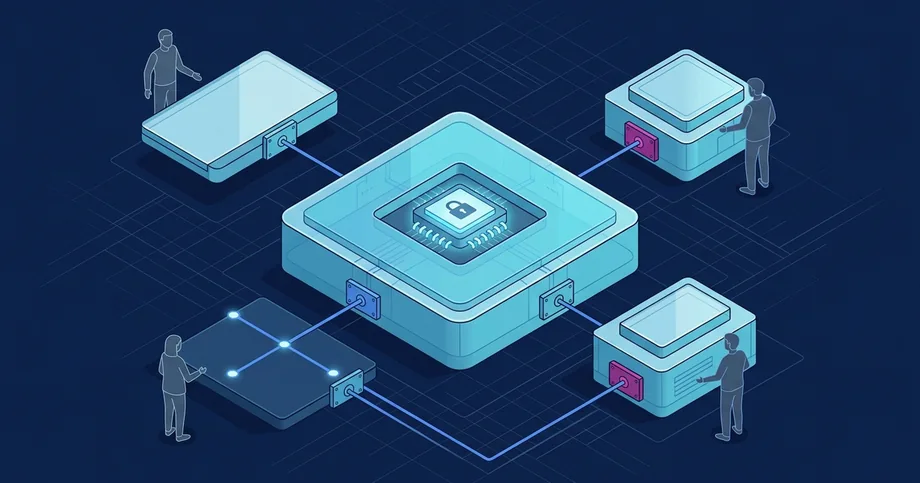
Request Automation: From Application to Decision

When an electronic request submitted via an external portal is not accompanied by automatic registration, a gap occurs in the data processing chain. Employees are forced to manually copy information from web forms into local spreadsheets, which leads to a loss of control over deadlines and confusion regarding assignees. Simply creating an interface for collecting requests without restructuring internal document workflows merely transfers paper-based chaos into a digital environment, increasing the workload on the registry office.
To build an effective request processing system, it is necessary to design an end-to-end route that covers all stages of the document lifecycle: from initial data validation on the form to the recording of the final decision and the sending of the response. This requires a clear definition of user roles, rules for handling exceptions, automatic control of execution deadlines, and reliable integration with existing registries and electronic document management systems.
Effective request automation is based on the transition from manual task distribution to strictly regulated digital scenarios with fixed control points.
Designing workflows and assigning roles in the request processing process
Analysis of the current state of request processing often reveals informal agreements and a lack of a unified regulation. When steps, exceptions, and responsible persons exist only in correspondence or in the minds of employees, the work result becomes unpredictable. To correct this situation, the current document flow scheme is recorded during the pre-project survey, identifying existing systems and pinpointing areas where control is lost.
The editorial recommendation for discussing requirements is to create a target process model where each step has a clearly defined executor, a set of input data, and a time limit. Instead of passing a task to an entire department without a specific assignee, the system should automatically distribute work according to the current workload of employees or pre-configured routing rules. This approach eliminates situations where a request remains unaddressed due to a lack of personal responsibility for the result.
- Analysis of entry points: Recording all request submission channels and eliminating manual data transfer between them.
- Designing the target model: Creating an optimized document workflow with a minimal number of approvers.
- Distribution of roles and permissions: Assigning specific responsibilities and data access levels to registrars and executors.
- Defining control points: Establishing intermediate deadlines for each processing stage to identify delays.
Synchronizing data with registries and building reliable exchange interfaces
Request automation cannot exist in isolation from the organization's general information circuit. To verify information provided by the applicant, the system must access internal databases and external government registries. This allows for automatic validation of details, checking for the existence of previously submitted similar requests, and pulling necessary reference information without the need for manual entry by an operator.
When designing such integration circuits, it is advisable to use message queues with retry attempts in case of temporary unavailability of adjacent systems. According to technical standards, specifically HTTP Semantics (RFC 9110), successful transport of a request or receipt of a technical response code confirms only the delivery of data at the protocol level, but is not proof of a positive business decision by the adjacent system. Therefore, the integration architecture must clearly distinguish between technical exchange statuses and make decisions about moving to the next process step only after a full logical verification of the data package.
System integration allows combining processes, data, registries, products on UnityBase, external services, and existing information systems into a manageable information circuit. This ensures consistency of directories, statuses, events, and responsibilities between different application solutions without double data entry.
- REST/SOAP interfaces: Using standardized software interfaces for data exchange between heterogeneous systems.
- Message queues: Ensuring reliable asynchronous exchange to maintain system performance during peak loads.
- Input validation: Mandatory automatic verification of formats, data types, and package completeness before processing.
- Exchange logging: Detailed recording of technical parameters for each request and response for troubleshooting.
Configuring exception handling rules and monitoring deadlines
Each request must be processed according to unified, pre-defined rules, regardless of the executor's subjective attitude. To achieve this, automatic business rules are configured in the system, which determine the document's route based on its subject, urgency, region of origin, or applicant status. For example, complaints about service performance should automatically receive higher priority and a shorter review period than standard information requests.
Special attention should be paid to handling exceptions, such as the absence of a responsible employee due to vacation or illness, the need to involve external experts, or the detection of errors in provided documents. The system must have flexible scenarios for task redirection and automatic notification of the manager regarding the risk of violating deadlines (SLA). At the same time, in accordance with OWASP recommendations for secure logging, technical logs must not contain confidential personal data of applicants or their credentials, while providing sufficient context for investigating security incidents.
- Automatic routing: Directing the request to the appropriate department based on the analysis of filled form fields.
- Escalation of delays: Automatic notification of management and redirection of the task when approaching the deadline.
- Exception handling: Availability of alternative routes and rules for substituting executors in case of their absence.
- Data security: Protecting applicants' personal information during processing, transmission over communication channels, and storage.
Integrating screen forms with document management registration logs
The convenience of the interface for the end user and the internal registrar directly affects the speed of request processing. The application form should contain interactive hints, automatic filling of known fields based on previous sessions, and dynamic checks that prevent the submission of an incorrectly filled request. This reduces the percentage of requests that have to be rejected due to formal errors, saving time for both parties.
After successful submission, the request should be automatically registered in the Electronic Document Management System (EDMS). The connection between the user's cabinet and the internal EDMS ensures process transparency: the applicant sees status changes in real time, receives notifications about the assigned executor, and can download an official response signed with an electronic signature. This reduces the load on hotlines and the registry office, as citizens no longer need to call to find out the status of their letter.
FAQ
How to ensure reliable request delivery when integrating systems?
It is recommended to use asynchronous exchange via message queues with a retry mechanism. In this case, technical delivery confirmation (e.g., HTTP code 200) indicates only data transport, not successful business processing.
How to eliminate the risks of violating request review deadlines (SLA)?
It is necessary to configure automatic escalation rules that notify the manager or redirect the task to another executor when approaching the deadline. Routing should take into account the priority and subject of the request.
What applicant data can be logged during request processing?
In accordance with security standards, technical logs should not contain confidential personal data, passwords, or payment details. Only the technical context of the event necessary for diagnosing failures should be logged.